If you run a Shopify store, sooner or later you’ll edit products in bulk. Shopify’s answer is the product CSV: export your catalogue, change it, and import it back. The trouble starts when that file goes through Excel. Barcodes turn into 1.23E+11, SKUs lose their leading zeros, and accented words come back garbled. Import the file and the damage lands in your store.
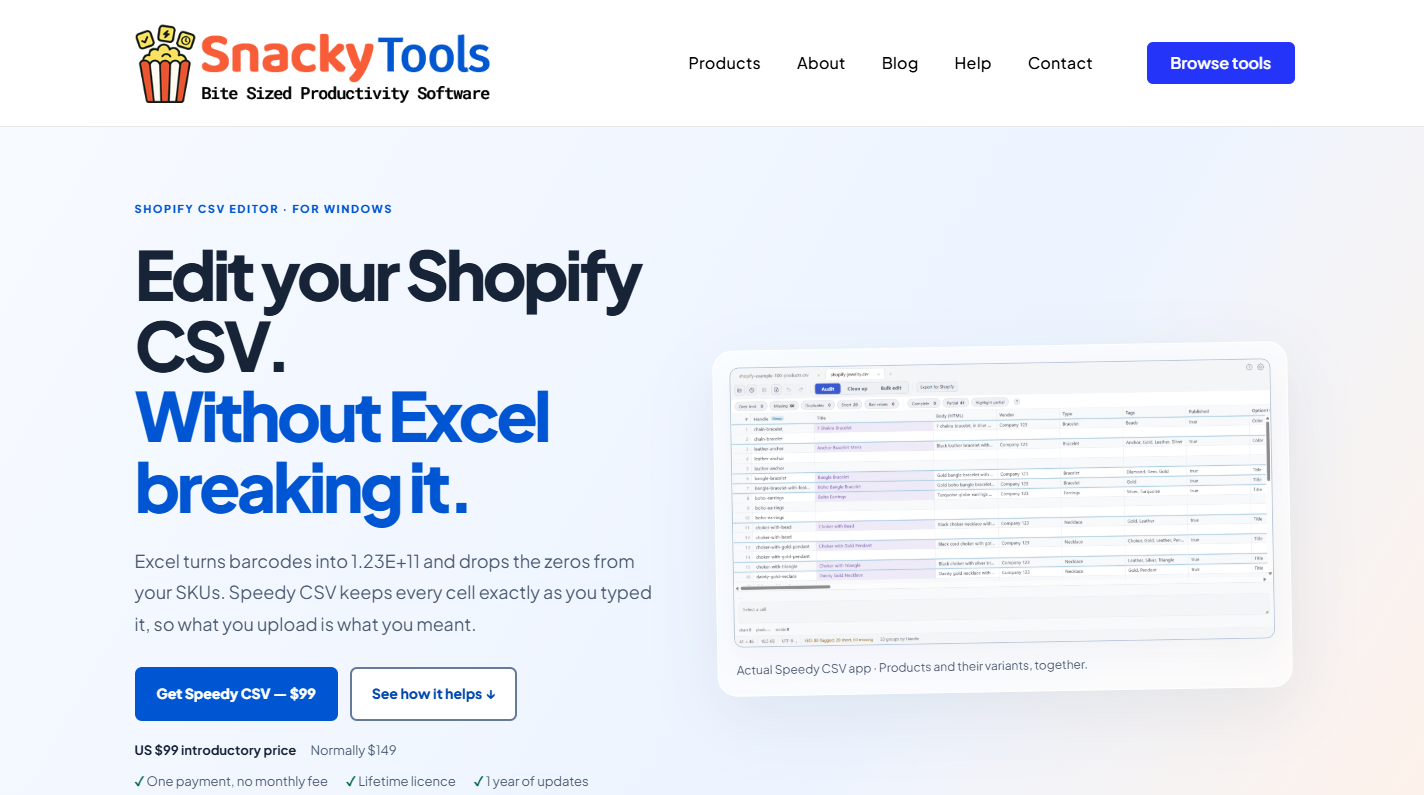
Speedy CSV, from SnackyTools, is a Windows editor built only for these files. It never converts a cell, so what you open is what you upload. Products stay grouped with their variants, and every bulk change shows a preview before it happens.
Before you upload, Export for Shopify runs 23 checks for the problems that make imports fail, such as missing handles, duplicate variants and quote marks Shopify can’t read. It can also export only the products and columns you changed, which keeps files small and leaves the rest of your store alone.
Your file never leaves your computer, because Speedy CSV doesn’t connect to your store. It’s a one-time purchase, with no monthly fee.
If you manage product data for a Shopify store, take a look at this Shopify CSV editor.